

Table of contents

A guide to integrating with Paylocity’s API


.jpg)
Michelle Krameisen
Paylocity offers a variety of solutions and services for HR, IT, and finance teams, from processing payroll to issuing corporate cards to managing assets (e.g., work laptops).
Given the variety of processes Paylocity supports and breadth of data stored in the platform, integrating it with your internal applications or product can unlock significant value.
We’ll break down why that’s the case by showcasing several examples. But first, let’s walk through the basics of the Paylocity API and how you can authenticate to it.
Overview on Paylocity API
The Paylocity API consists of endpoints that let you access data and functionality in the human capital management (HCM) solution.
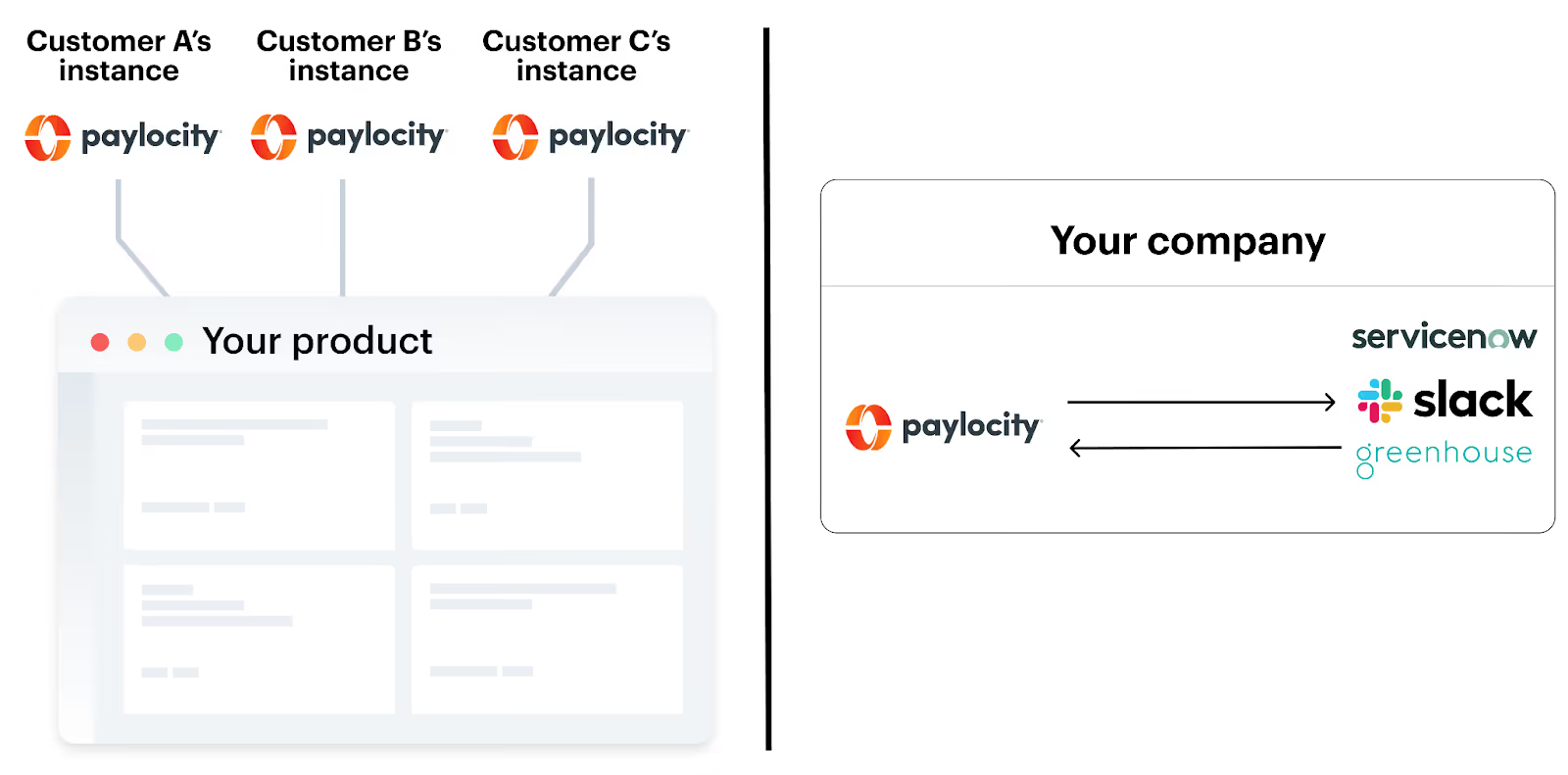
You can use it in customer-facing scenarios, where you’re connecting your product to customers’ instances of Paylocity; and internal scenarios, where you’re integrating your organization’s instance of Paylocity with other internal applications.
Related: How to use Paycor's API
API endpoints
While the endpoints you’ll need depend on your integration use case for Paylocity, here are a few commonly-used ones:
• GET /companies – Access details like company name, address, and industry
• GET /employees – Fetch employee records (e.g., names, status, start date, DOB, etc.) in paginated batches
• GET /payroll/batches/{batchId} – Retrieve the processing status for a payroll batch, including completion time and/or any error details
Rate limits
Paylocity currently doesn’t provide any information on their rate limits.
You’ll need to learn what it is by either contacting Paylocity directly, relying on your 3rd-party integration solution to find out, and/or reading the rate limit details in API response headers (they may not provide this information, but it’s worth confirming).
API errors
Paylocity does a great job of laying out their most common error codes and messages to help you build to their endpoints proactively.
Here’s a look at most of the errors they’ve listed:
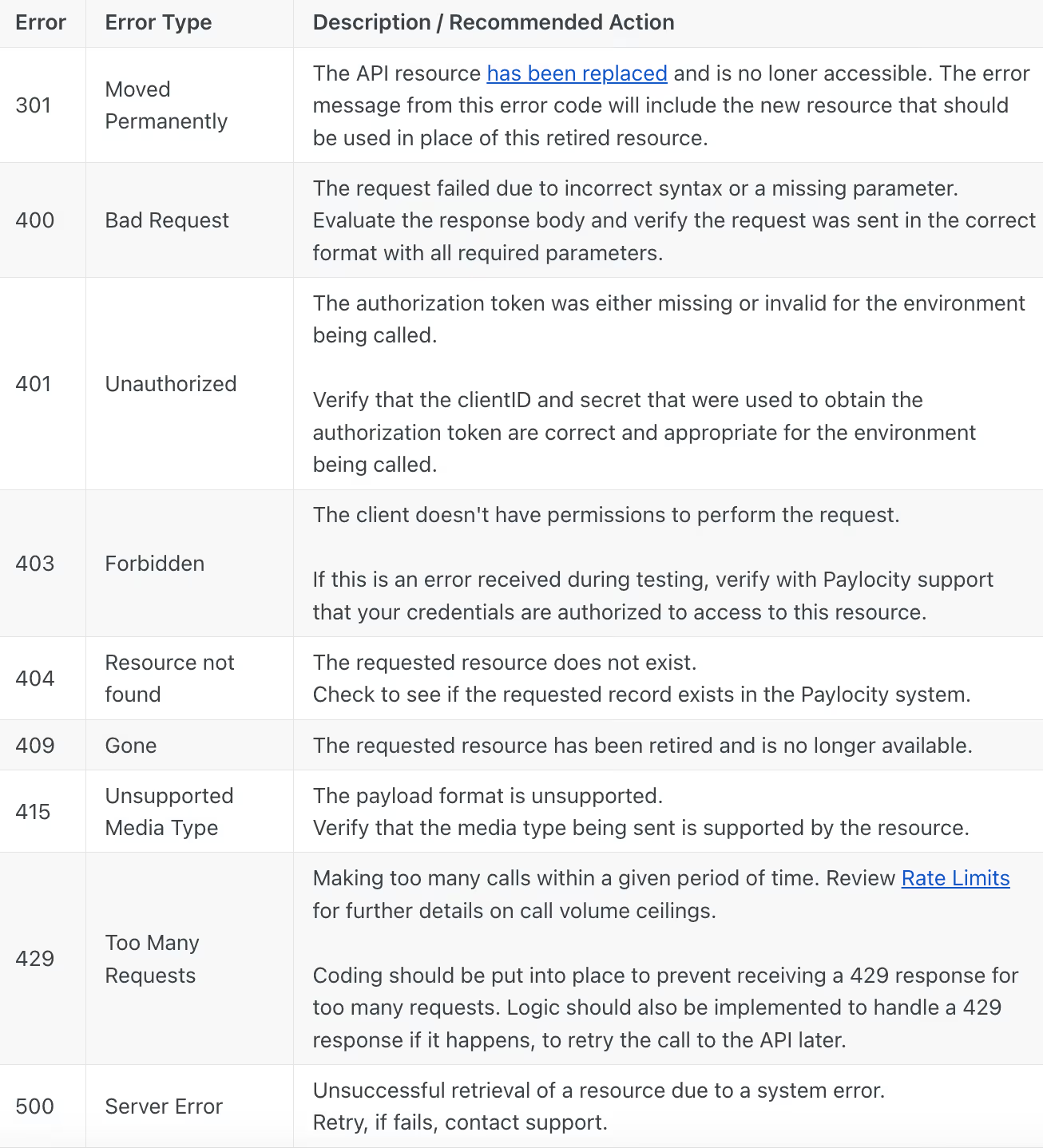
The majority of these error messages are standard for any API provider, with the exception of 409 Gone (as missing resources usually return a 404 Resource not found error code) and 301 Moved Permanently (you'll only see this during rare events, like API version migrations or endpoint deprecations).
Approval process for Paylocity’s APIs
Before you can start using Paylocity’s API endpoints, you’ll need to go through a formal approval process.
Namely, you’ll need to submit a formal request for their endpoints via their “Web Services Access Request Form.” The form asks for details like the endpoints you plan to use, the webhook push notifications you'd like to set up, and more.
If you’re approved, you’ll receive a Client ID and Client Secret via email.
The following section breaks down how you can then use these client credentials to authenticate your Paylocity requests successfully.
Note: Certain endpoints—like those within their LMS API—also require you to enter into a formal technology partnership with Paylocity. You can learn more about how you can become a technology partner and the benefits it can provide here.
How to authenticate to Paylocity’s API
Here are the steps you’ll need to take:
1. Generate a bearer token
Once you’ve received your Client ID and Client Secret from Paylocity, you’ll need to get your bearer token.
This requires you to make a request to Paylocity’s /token endpoint: <code class="blog_inline-code">https://dc1prodgwext.paylocity.com/public/security/v1/token</code>
Here’s how you can format the request for retrieving your token:
Your access token will be provided in the response as an <code class="blog_inline-code">access_token value</code>.
Related: A guide to authenticating to HiBob's API
2. Retrieve your Company ID
Your Company ID is the ID you used to login into Paylocity.
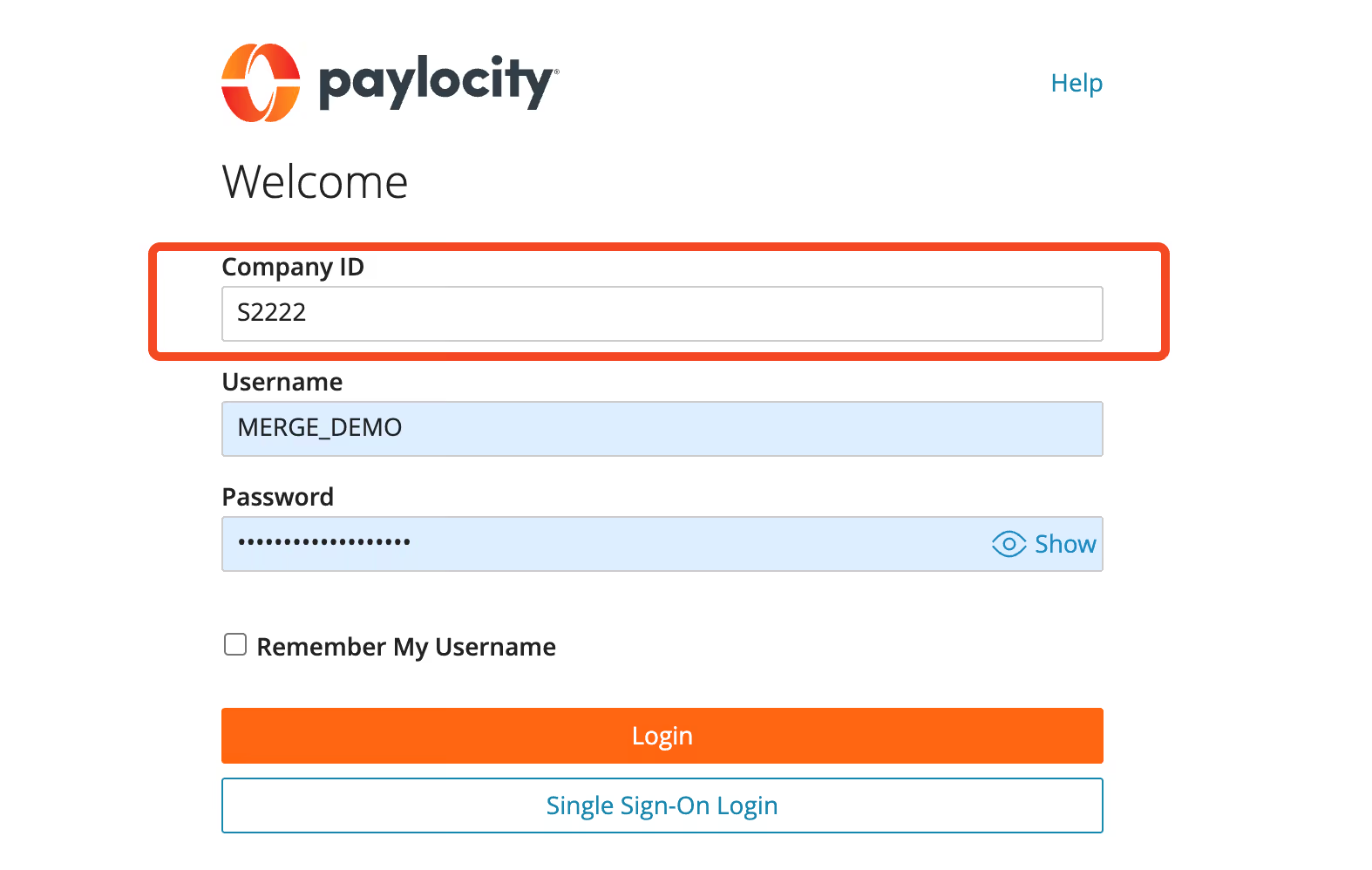
It’s also the same ID you’ll see in the upper left-hand corner of your Paylocity portal.

3. Include your Company ID and bearer token in your API request
Use the bearer token value in the HTTP Header of your API request in the following format: <code class="blog_inline-code">Authorization: Bearer INSERT_TOKEN_HERE</code>
You’ll also need to pass in your Company ID as a path parameter in your API requests. For example:
Note: The bearer token is short-lived and will expire after 1 hour (you’ll see 3600 in the response from the token endpoint)
Examples of using the Paylocity API
Let’s highlight a few internal integration examples for Paylocity and then showcase several real-world, customer-facing scenarios.
Add performance reviews to Paylocity to centralize employee records
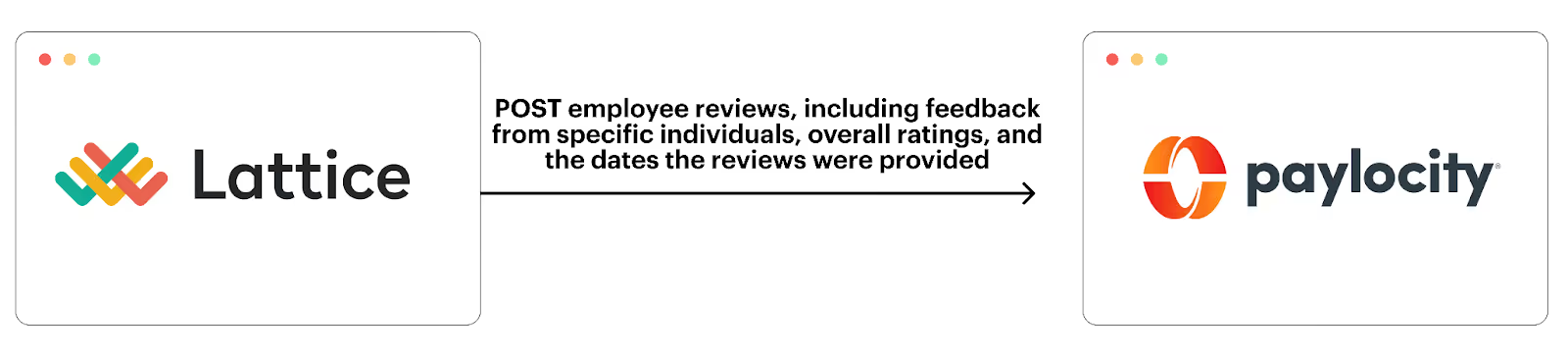
To help your HR team keep employees’ Paylocity profiles as the single source of truth, you can integrate your performance management platform (e.g., Lattice) with your instance of Paylocity and build the following custom integration: Once a performance review gets submitted in the performance management system, it’s automatically created in the employee’s associated Paylocity profile.
Each POSTed review can include more context, like the feedback the reviewer shared, in case your HR and leadership teams want to dig deeper on any ratings.
Related: Examples of using the Workday API
Create new hire accounts in your ITSM tool to pre-board employees effectively
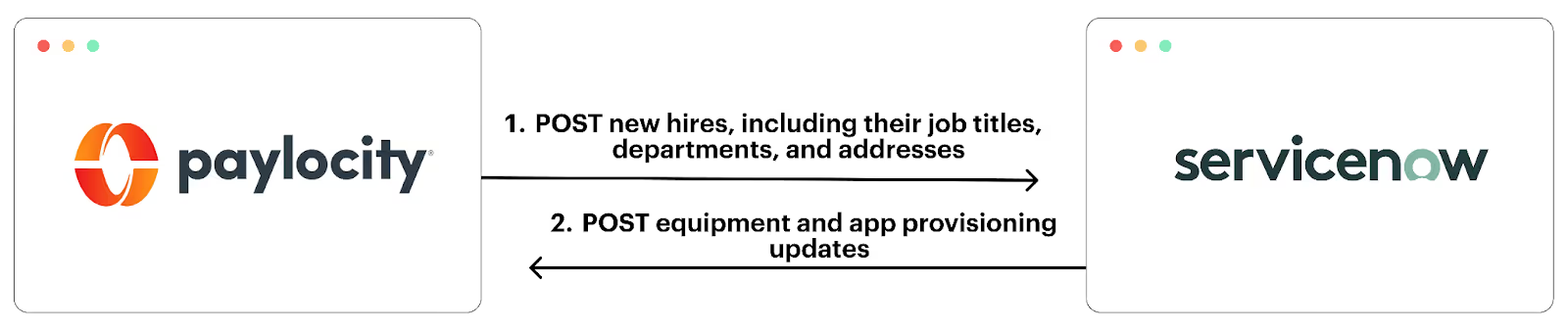
To help your IT team learn about incoming hires and pre-board them effectively, you can connect Paylocity to their IT service management (ITSM) tool (e.g., ServiceNow) and build the following custom workflow: Once an employee is created in Paylocity, their profile gets created in the ITSM tool.
Based on the data that’s synced over to a new hire’s profile in your ITSM solution, such as their department, address, and job title, your IT team should know what equipment they need to procure and provision for the new hire.
You can even make this integration bidirectional. That way, as IT makes progress on pre-boarding the new hire, HR can receive updates within Paylocity.
Implement approval workflows in your product with ease
Say you offer a product that requires users to make requests that require manager approval.
To build this approval functionality in your product quickly, you can integrate with customers’ instances of Paylocity and sync employee information—including hierarchical data (i.e., the employee’s manager).
OneRange, a marketplace for learning and development, for example, uses integrated hierarchical employee data to facilitate approvals for learning resources (e.g., books).
More specifically, whenever an employee requests a learning resource in OneRange, the platform automatically surfaces the request to the employee’s manager, who can approve or deny the request with the click of a button.

Automate user provisioning in your product
To help you add, update, and remove users in your product on time and without any issues, you can integrate your product with customers’ instances of Paylocity and implement the following auto-provision workflows:
- Any time an employee gets added to Paylocity, they’re also added to your product—and associated fields, like job title, department, manager, are populated
- Whenever an employee is updated in Paylocity (e.g., their job title changes), the changes are reflected in the employee’s profile in your product
- If an employee gets removed from or is marked as terminated in Paylocity, they also lose access to your product
You can also customize these workflows.
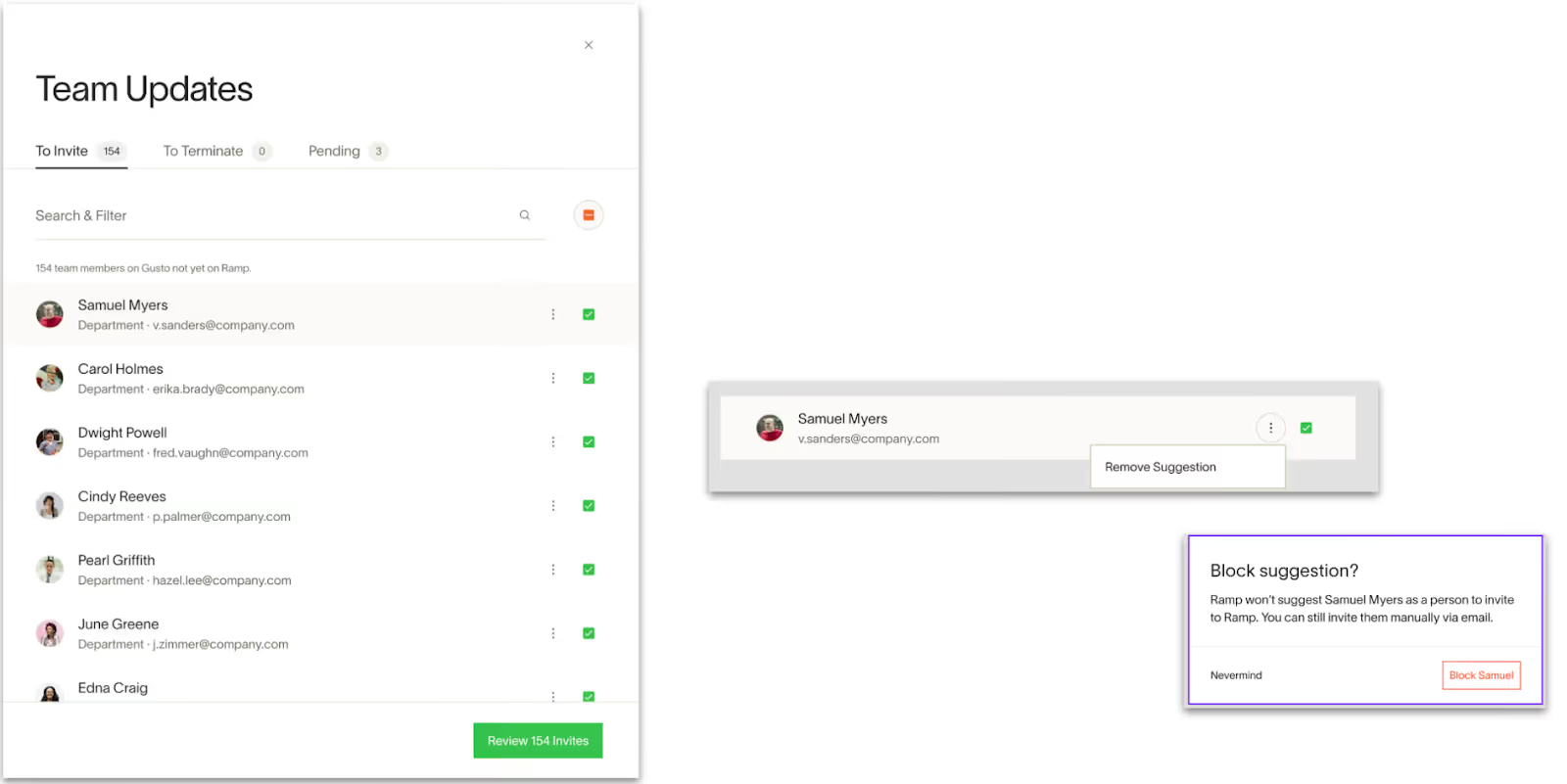
For example, Ramp, a leading financial operations platform, notifies admins when an employee is added in and/or removed from Paylocity.
The admin can then go on to add or remove the user with a few clicks in Ramp.
Best practices for using the Paylocity API
Here are a few tips for using Paylocity’s API effectively:
- Store the timestamp of every API request. You can use these timestamps to automatically send timely requests to Paylocity’s token endpoint and, in turn, consistently use tokens that aren't expired
- Align on your Per Employee Per Month (PEPM) pricing with Paylocity. Understanding this upfront can help you estimate your integration costs and, if the integration is customer-facing, help you price the integration
- Make the effective date of every employee their first day or later. If the hire date is any earlier, you won’t be able to ingest the employees’ Departments, Locations, and Group-related data
- Select “Get Employee Restricted” when setting up the integration. This prevents you from getting sensitive data you might not need, such as pay rates and SSN values
- Double check the company IDs you authenticate with. If you skip this step, you can accidentally skip syncing employee data from a subdivision or subsidiary
- Use a unified API solution. Integrating with Paylocity’s API may, in and of itself, be feasible for your engineering team. But if you need to build several other HRIS integrations, the work involved can quickly become overwhelming
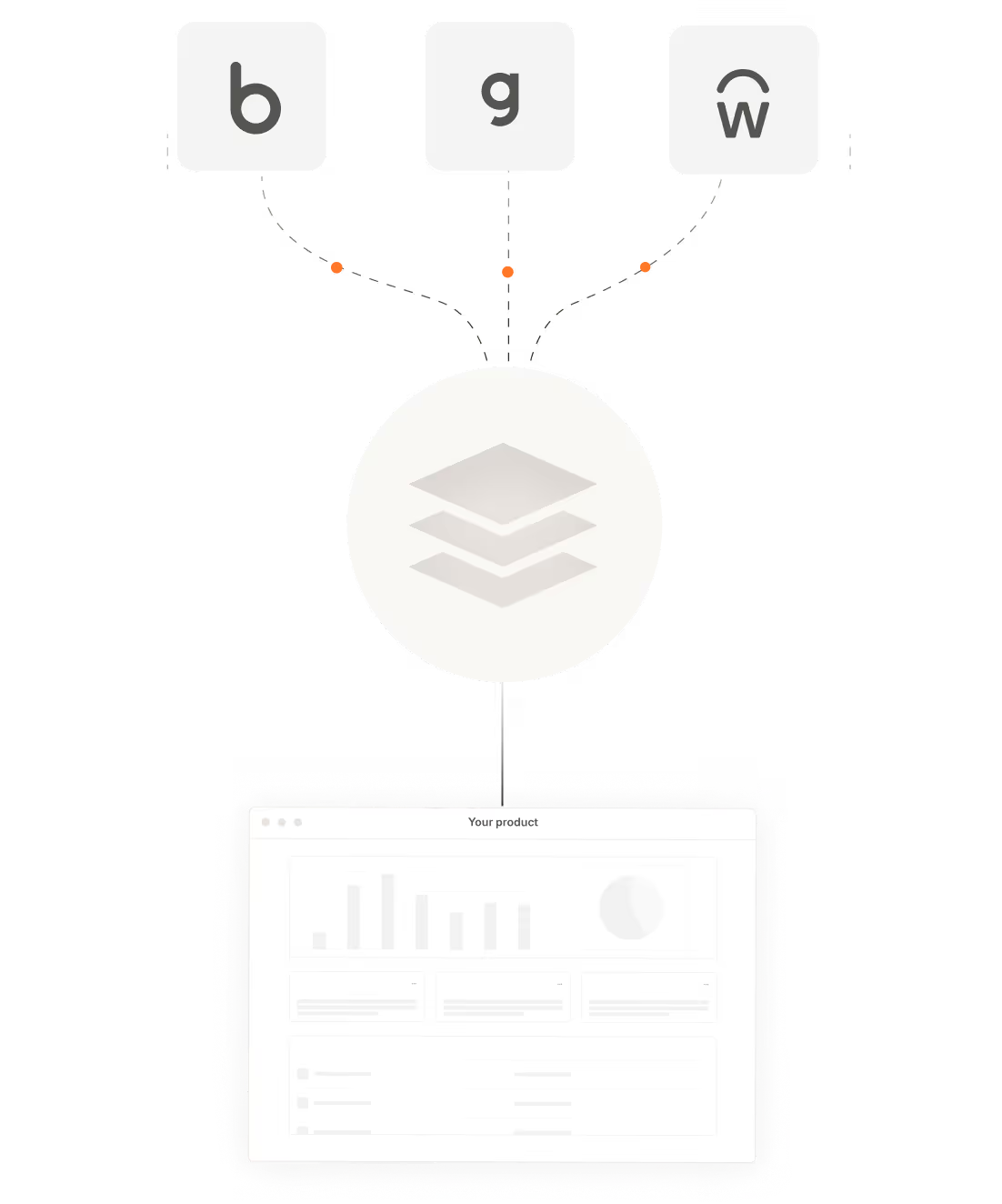
To that end, you can use a unified API solution, which offers a single, aggregated API that lets you access a whole category of integrations (including HRIS).
Integrate 70+ HRISs—including Paylocity—with your product via Merge
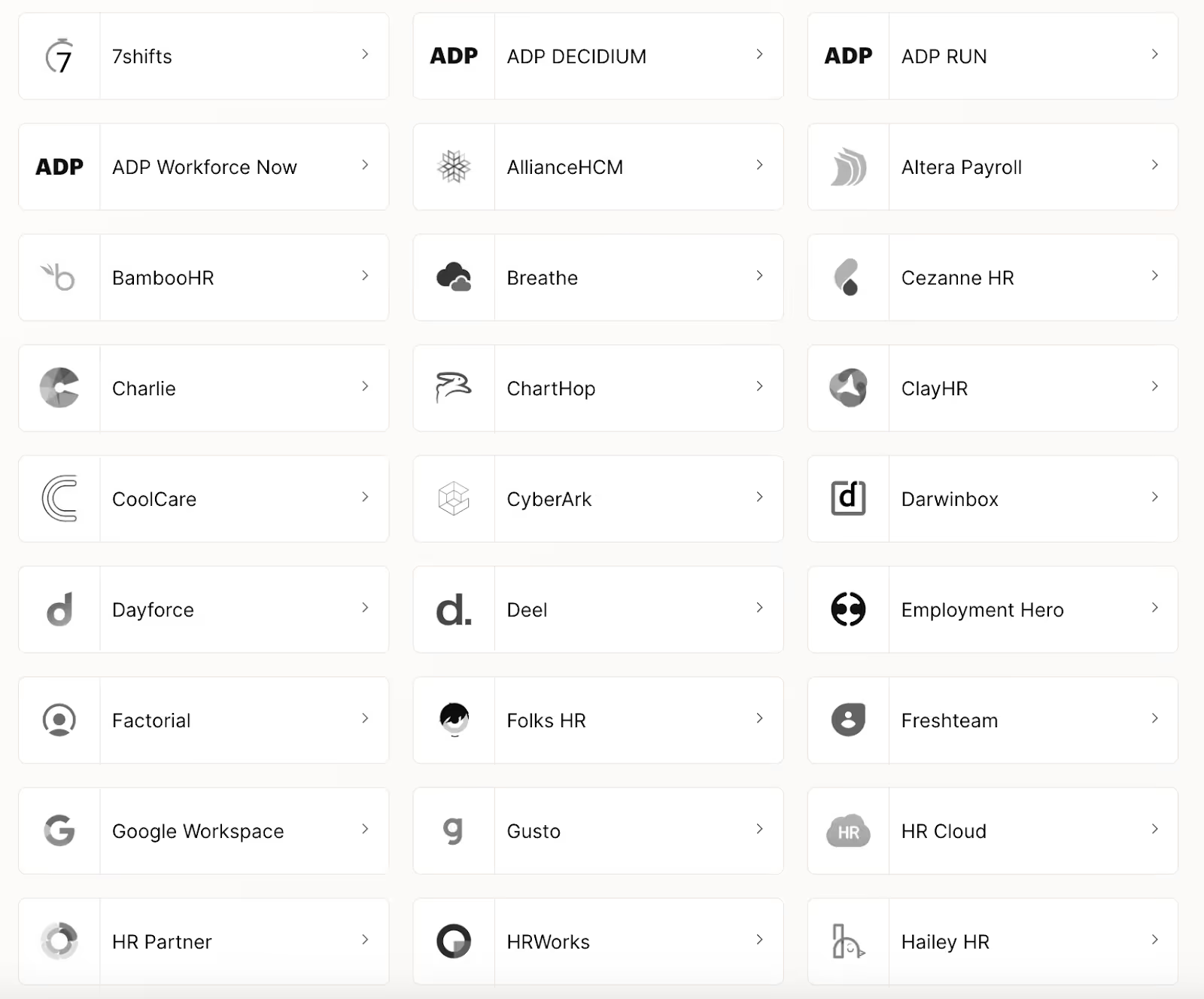
Merge, the leading unified API solution, lets you connect Paylocity—along with 70+ other HRISs—with your product through its Unified HRIS API.
Merge also provides:
- A streamlined path to onboard the Paylocity integration and form your own partnership (via our Paylocity partnership)
- Comprehensive Common Models (normalized data models) and advanced features to sync custom data, such as Field Mapping and Authenticated Passthrough Request
- Integration observability features—from fully-searchable logs to automated issue detection functionality—to help your customer-facing teams manage integration issues on their own
- Best-in-class support to help you not only resolve issues quickly but also get the guidance needed to take your integrations to market successfully
Learn more about how Merge can help you add and support customer-facing HRIS integrations at scale by scheduling a demo with one of our integration experts.

Michelle Krameisen





But Merge isn’t just a Unified
API product. Merge is an integration platform to also manage customer integrations. gradient text
But Merge isn’t just a Unified
API product. Merge is an integration platform to also manage customer integrations. gradient text
But Merge isn’t just a Unified
API product. Merge is an integration platform to also manage customer integrations. gradient text
But Merge isn’t just a Unified
API product. Merge is an integration platform to also manage customer integrations. gradient text