Merge for Workforce
The easiest way to lower your team’s AI spend
Merge pushes approved models, MCPs, and skills straight into your team's AI tools. Every harness configures itself with model routing and spend rules that you set.


Provision from your identity provider
Sync your IdP via SCIM so AI access follows your org chart. Every team member gets exactly what their role approves.

Enforce on the device, not just in the console
A lightweight MDM-deployed client applies policies to your team's AI, and blocks unapproved models and MCP servers.

Give each team the models that fit their work
Run high-volume work on more cost-effective options while reserving frontier models for your team's hardest problems.
How AI governance works with Merge
01
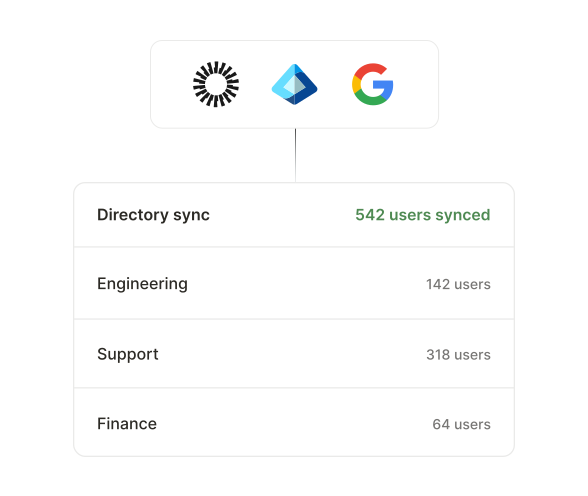
Sync your IdP
Users and groups flow in through any SCIM-compatible provider, so AI access follows your org chart from day one.
Access policies stay in sync with org changes.
02
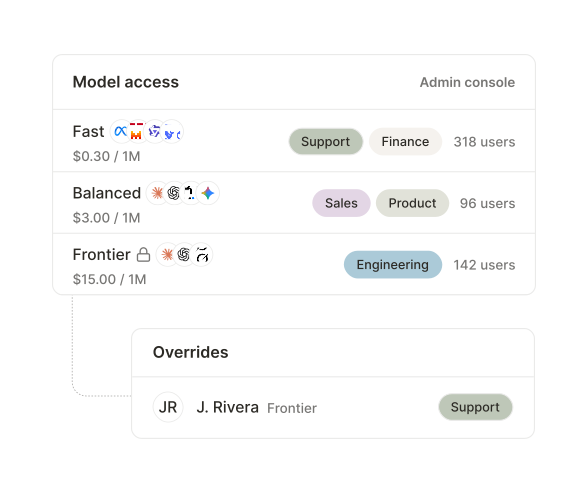
Set group and individual model controls
Give each team the tier that fits its work. High-volume work runs on fast, low-cost models by default.
Override for the specific teams whose projects require more powerful models.
03
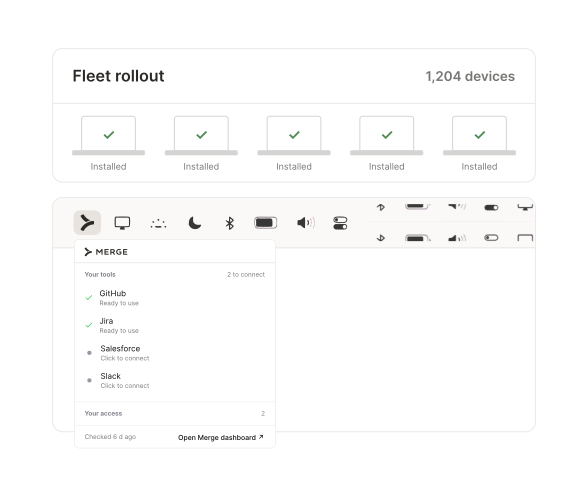
Deploy the Merge desktop client through your MDM
A lightweight client installs on employees’ devices through your existing MDM.
Scan for unauthorized AI use, then easily connect employees to approved tools and models.
04
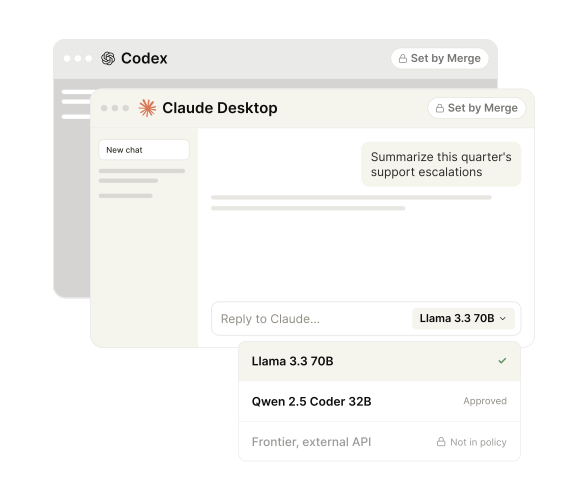
Set up employee harnesses automatically
Models, endpoints, MCP servers, and skills land already configured on the device.
Block unapproved models and MCPs from use.
05
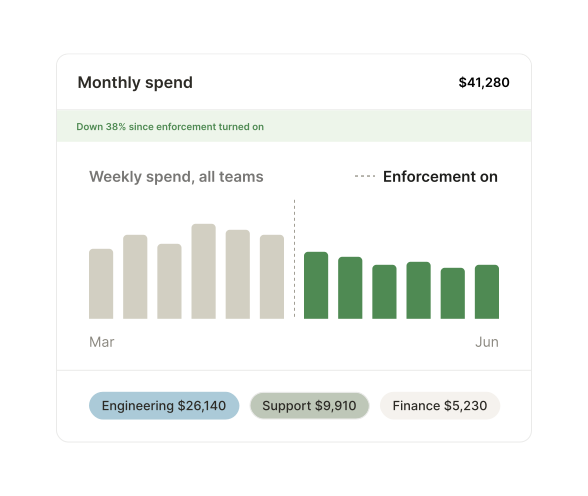
Track all usage
Every call is attributed to a person, a team, and a model, with cost attached.
Proactively manage AI spend, rather than at renewal.
Employees are ready for AI.
Now you can say yes.